
Combat
Anchor Macro, Auto Crystal, Crystal Aura, Double and Safe Anchor, Auto Totem, MaceSwap, SpearSwap, Shield Breaker, Hitboxes, Trigger Bot and more.


Ying Client is a Fabric client for Minecraft 1.21.11 with 100+ modules for PvP and DonutSMP, a clean click GUI and a HUD that stays out of your way.
Flip HUD pieces on and off, and drag the click GUI around, on a real in-game screenshot.

 Ying Client+

Drag the slider to see the stock title screen next to Ying Client's.
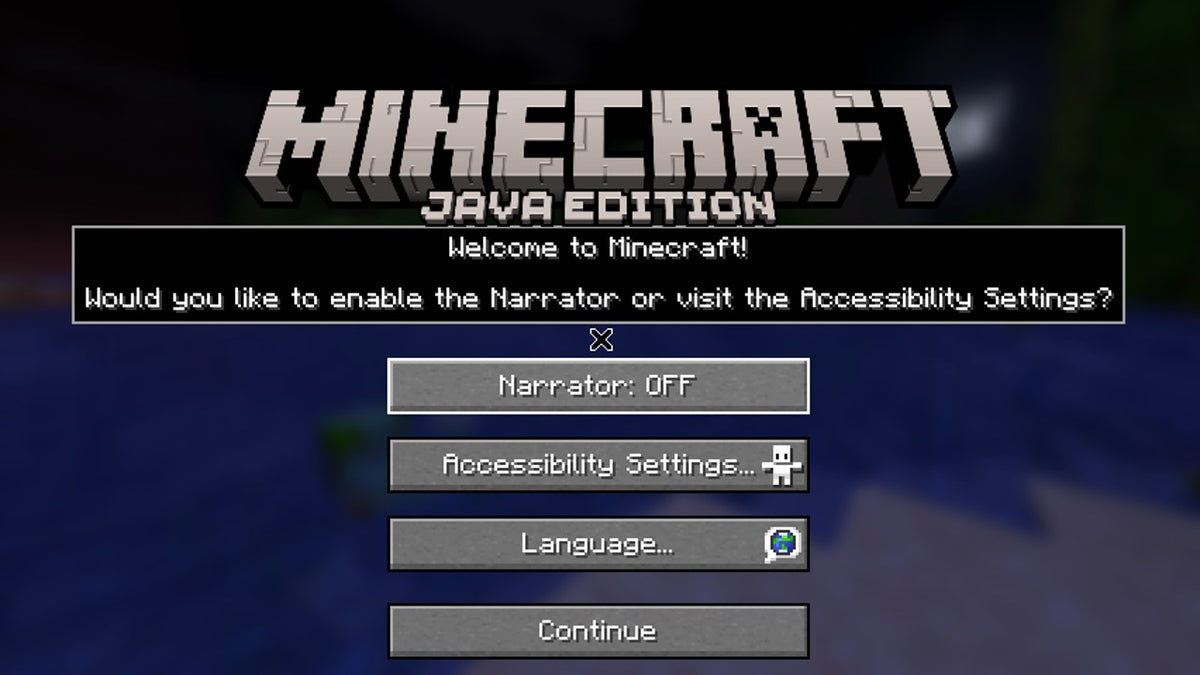
 Vanilla
Ying Client
Six categories in one searchable click GUI: Combat, Player, Render, Other, Donut and Client.
Anchor Macro, Auto Crystal, Crystal Aura, Double and Safe Anchor, Auto Totem, MaceSwap, SpearSwap, Shield Breaker, Hitboxes, Trigger Bot and more.
Spawner Notifier, Protect, Breaker and Dropper, Auto Sell, Auto Spawner Sell, Chunk Finder, Home Macro and Auto Tpahere.
Player, Storage, Block, Entity and Target ESP, Name Tags, Trajectories, Trails, Shader Sky, Gamma, Fog Blur and custom crosshair.
Orbit the camera around your player without turning. Bind it to any key and pick Hold or Toggle mode.
Search every module, flip them with one click and open settings per module. Size and sounds are adjustable.
Ping, TPS, BPS and FPS readouts, keybind list, coordinates, module toggle alerts, Radar and a Spotify HUD.
Name Protect swaps your name and your friends' names in rendered text. Skin Protect shows an official Minecraft skin instead.
Auto Eat, Auto Reconnect, Auto Tool, Item Scroller, Chat Macro, Sprint, Elytra Fly, Freecam, Panic key and Discord presence.
Pick Lifetime or Monthly and check out.
Grab YingClient.jar from your order confirmation page or the email Shopify sends you.
Drop the jar in your mods folder with Fabric API, start Fabric 1.21.11 and open the click GUI.
Minecraft Java 1.21.11 on Fabric. You need Fabric Loader 0.18.4 or newer, Fabric API and Java 21+.
Any launcher that can run a Fabric 1.21.11 profile, like the official launcher with the Fabric installer, Prism or the Modrinth App.
Your download appears on your order confirmation page and in your order email right after checkout.
Lifetime is one payment and you keep it. Monthly gives you 30 days; buy again when it runs out.
Yes. Open a Purchase ticket in our Discord and staff will confirm your payment by hand.
Join the Discord and open a ticket. We will walk you through it.
Same client, every module. Pay once or go month to month.
Updates, support tickets and crypto or DonutSMP payments all happen in the server.